Meta Quest Serial Number Check
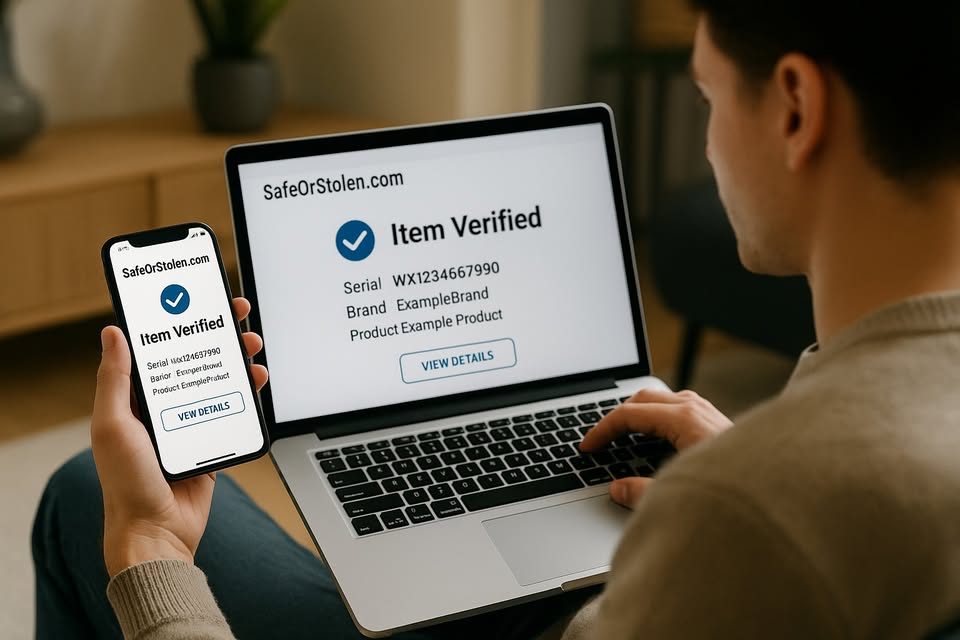
Check a Meta Quest serial number before you buy a used VR headset. Results in a few seconds, 1 free check, no credit card.
1 free check · No credit card · Updated November 24, 2026
Quick answer
How do I check if a Meta Quest is stolen?
Find the serial number printed on the inside of the headset's left arm (pivot the arm up and away from the headset to see it). Enter it at SafeOrStolen to check it against SafeOrStolen's stolen-item reports. The first check is free. Meta notes that the S/N on the box is different from the one on the headset, so check the headset's own number.
Where to find the Meta Quest serial number
Meta prints the headset's serial number on the device itself. The box carries a different number, so the one on the headset is the one to check.
| Where | How to find it |
|---|---|
| Headset (Quest 3 / 3S) | Inside of the left headset arm: pivot the arm up and away from the headset |
| Owner's Meta account | Listed under the device model name in the owner's Meta account device settings |
| Box | S/N under the barcode on the white sticker; Meta says this differs from the number on the headset |
| Touch controllers | Each controller has its own serial number |
Warning signs a used Quest may be stolen
- The price is far below other used Quest headsets listed near you
- The seller won't share the headset serial number before you meet
- The headset is still signed in to someone else's Meta account and they won't remove it
- There's no box, controllers or charger, with no good explanation
- The seller has several headsets or new electronics for sale at once
Checklist for buying a used Meta Quest
- Ask for a photo of the serial on the left arm before you meet, and check it here
- At the meetup, confirm the number on the headset matches the photo
- Have the seller remove the headset from their Meta account and factory reset it in front of you
- Test both controllers, tracking and charging
- Pay in a way that leaves a record, and keep the listing and messages

What a Meta Quest headset check looks for
A Meta Quest serial number check looks for that exact headset in theft reports. When a headset is stolen, the owner can give the serial number to the police and report it on SafeOrStolen. SafeOrStolen searches its own stolen-item reports for the serial number. Meta does not offer a public stolen-headset lookup, so check the serial here and inspect the headset in person.
Step by step
Ask the seller for a photo of the serial on the headset's left arm
Enter the serial number on SafeOrStolen
Read the result and the sources that were searched
At the meetup, confirm the number on the headset
Have the seller remove their Meta account and factory reset the headset before you pay
Type the serial number into the search box. SafeOrStolen searches its stolen-item reports and returns one of three results: reported stolen, possible match, or no report found in the records searched. Each result lists the sources it searched and is saved to your account with the date.
Why check before you buy
VR headsets are valuable and easy to resell. If you buy a stolen headset, police can return it to its owner and you lose what you paid. Checking the serial and making sure the seller removes their account takes a few minutes.
Common questions
Other checks
IMEI Checker
Verify phones before buying
VIN Checker
Check a car or truck by VIN
Serial Number Checker
Check electronics & appliances
Firearm Check
Verify firearm serial numbers
License Plate Lookup
Check vehicles by plate
Plate Owner Lookup
What you can legally find from a plate
Free Web App
Install from your browser and scan barcodes