How to Track a Serial Number
Want to track a serial number? Here is what a serial number can actually tell you, how to check whether an item is reported stolen in seconds, and what to do if your own item was stolen.
1 free check · No credit card · Updated October 31, 2026
Quick answer
Can you track a serial number?
Not to a location. A serial number is an ID printed on the item, not a GPS signal, so no website can show where an item is from its serial number alone. What you can track is the serial number's history: whether it has been reported stolen. Enter it on SafeOrStolen (safeorstolen.com/how-to-track-a-serial-number) to check it against theft reports in a few seconds, with the first check free. To find a lost or stolen item's location, use the maker's own tracking feature, such as Find My on Apple devices, if it was turned on before the item went missing, and give the serial number to the police.
What a serial number can and can't tell you
A serial number identifies one specific item. That makes it the best way to prove an item is yours and to match it to a theft report, but it does not broadcast anything. Sites that promise to show where an item is from its serial number alone cannot do it.
| What you want to know | Can a serial number do it? | How |
|---|---|---|
| Whether the item is reported stolen | Yes | Check the serial number on SafeOrStolen before you buy or sell. |
| Where the item is right now | No, not by itself | Only a built-in tracking feature can do that, such as Find My on Apple devices or a tool brand's app, and only if it was turned on before the item went missing. |
| Who owns it now | No | Ownership records are private. Police can contact the owner when a stolen item is found. |
| When and where it was made | Often | Many makers build the date or factory into the serial number, or show it on their support site. |
| Whether it is under warranty | Often | Enter the serial number on the maker's warranty or support page. |
How to track a stolen item with its serial number
- Report the theft to your local police and give them the serial number, make and model. Police keep stolen-property records that are searched when items turn up.
- Report it on SafeOrStolen too, so anyone who checks that serial number before buying sees the warning.
- Turn on the maker's tracking or lock feature if the item has one, and mark it as lost there.
- Tell your insurer and give them the serial number.
- Watch local listings and pawn shops for the item, and compare serial numbers if you find a match. Don't confront the seller: give the details to the police.
Where to find the serial number
| Item | Where the serial number usually is |
|---|---|
| Phones and tablets | In Settings under About, and on the original box. Phones also have an IMEI number (dial *#06#). |
| Laptops | On a label on the bottom, and in the system information screen |
| Game consoles | On a label on the console and the box, and in the console settings |
| Power tools | On the nameplate on the motor housing, near the model number |
| Bikes | Stamped under the bottom bracket, where the pedals meet the frame |
| Guns | Stamped on the frame or receiver |
| Cars and motorcycles | The VIN, on the dashboard, door jamb or steering head |

What a Item check looks for
Tracking a serial number means following an item's record, not its location. The record that matters most to a buyer is whether the serial number appears in a theft report. When something is stolen, the owner gives its serial number to the police and their insurer, which is what ties that one item to the theft.
Step by step
Find the serial number on the item, not just in the listing.
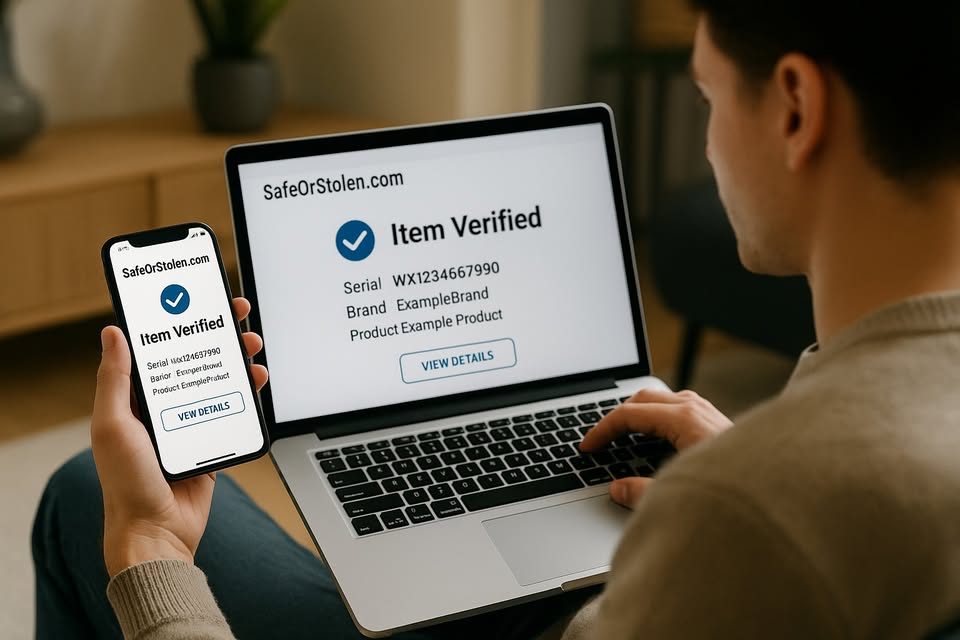
Enter it on SafeOrStolen and read the result.
Make sure the number on the item matches the box, receipt or settings screen.
If it comes back reported stolen, don't buy it, and give the details to your local police.
Type the serial number into the search box. SafeOrStolen searches its own theft reports, the police stolen records it holds for that kind of item, then shows one of three results: reported stolen, possible match, or no report found in the records searched. Every source searched is listed.
Why check before you buy
If you buy an item that turns out to be stolen, police can return it to the owner and you lose what you paid. Checking the serial number first takes seconds, and the record of your check helps show you bought it in good faith.
Common questions
Other checks
IMEI Checker
Verify phones before buying
VIN Checker
Check a car or truck by VIN
Serial Number Checker
Check electronics & appliances
Firearm Check
Verify firearm serial numbers
License Plate Lookup
Check vehicles by plate
Plate Owner Lookup
What you can legally find from a plate
Free Web App
Install from your browser and scan barcodes